Can I Use an Online Bank Statement as Proof of Address?
A practical guide to selecting an issuer-provided bank statement, checking address details and understanding why PDFs, transaction exports and screenshots are treated differently.
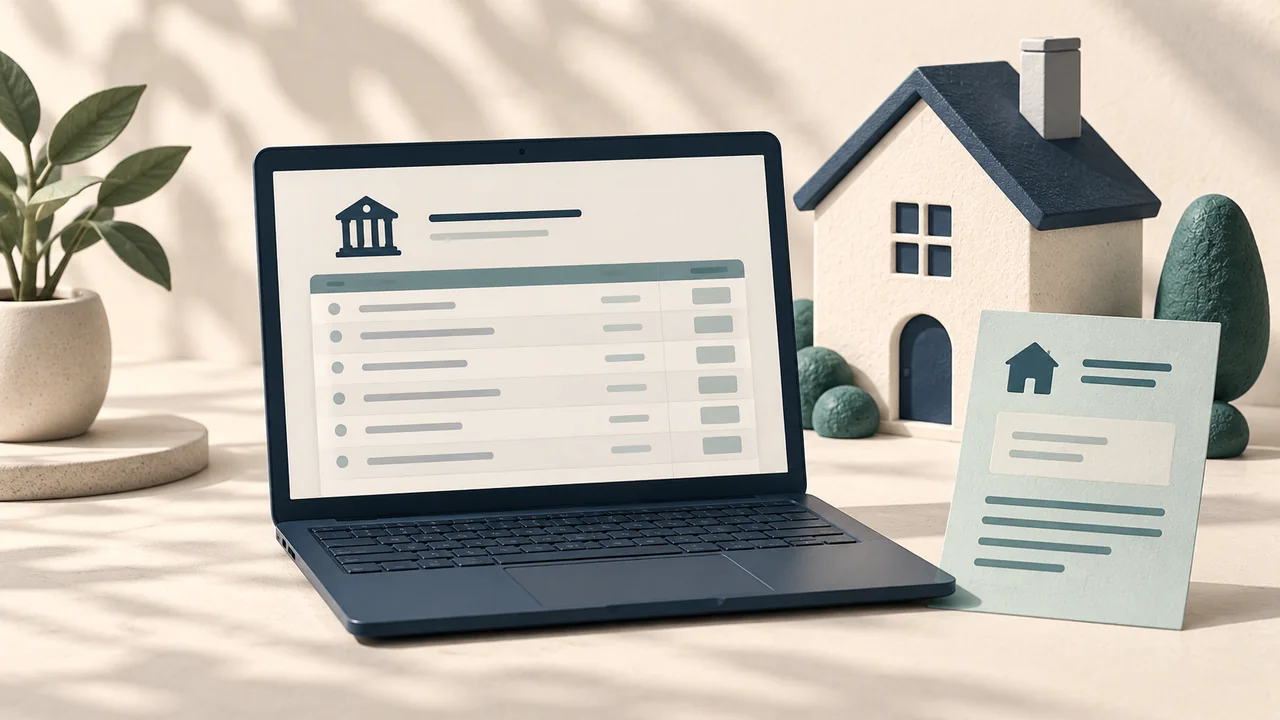
An online bank statement can be a candidate for proof of address when the receiving organisation accepts that issuer, statement type and electronic format. The fact that a file came from a banking app does not, by itself, settle all three questions.
A statement is different from a transaction export
A formal account statement and a downloaded list of payments can serve different purposes. Before submitting a file, open it and check whether it identifies you, the bank, your address and the relevant date. A CSV export may contain transactions without the address information the recipient needs.
How to find a suitable document
- Sign in to the bank's official website or app.
- Look for its statements or documents area; menu names vary by bank.
- Select the account and an eligible statement period.
- Download the bank-issued file and inspect its contents.
- Compare it with the receiving organisation's document checklist.
If the document does not show your current address, ask the bank which official document it can supply. Updating your profile may not replace statements that were already issued.
PDF, screenshot or photograph?
These formats are not interchangeable. Revolut UK's published guidance, for example, allows PDFs or photos of physical documents and excludes screenshots. Apply the rule for the actual recipient instead of assuming that a format accepted elsewhere will work.
What if the bank is entirely online?
Check the issuer rules as well as the format rules. Acceptance of electronic statements does not necessarily mean acceptance of every online financial institution. If the recipient lists an exclusion, selecting another file format will not resolve it. Ask which alternative issuers or document categories it accepts.
Can I hide transactions or balances?
Read the upload instructions before redacting anything. If you are concerned about disclosure, ask whether a less detailed official confirmation letter or another document type is permitted. Keep the source file intact and avoid submitting a modified copy without the recipient's agreement.
A final check
Confirm the correct account holder, current residential address, visible issuer and eligible date. If the record contains a genuine error, request a correction from the bank. Renaming a file or changing its contents does not fix an underlying eligibility problem.
Related reading
Sources and updates
Sources checked: 2026-11-02. The practical steps help you organise evidence; eligibility is determined by the recipient. Consult its current guidance and your account request.