Proof of Address Rejected? A Practical Troubleshooting Guide
Work through document eligibility, mismatched records, date limits and file-quality problems before resubmitting address evidence or requesting support.
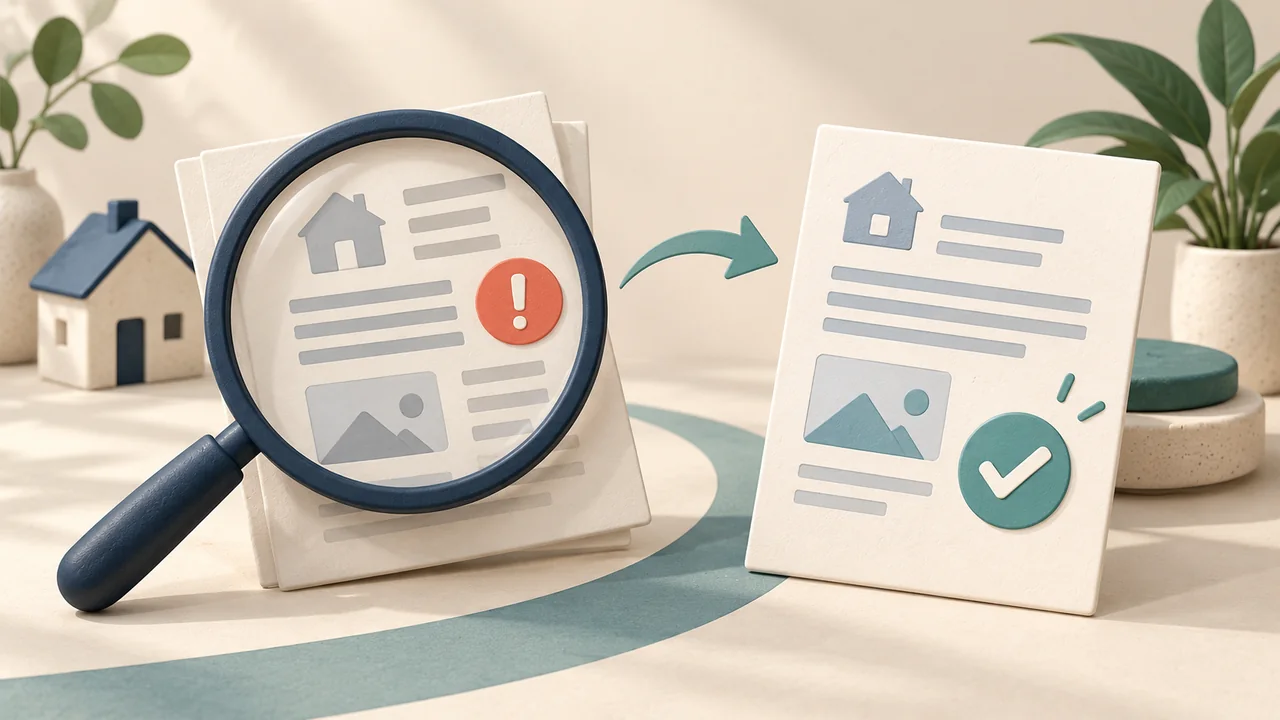
A rejected proof of address does not always mean the document is false. It may be genuine but outside the recipient's permitted category, date window or upload format. Start with the rejection reason instead of immediately uploading the same file again.
First, identify the kind of problem
- Eligibility: the issuer or document category is not accepted.
- Details: the account and document show different names or addresses.
- Date: the document falls outside the requested period.
- Presentation: required information is unreadable, missing or obscured.
- Submission: the file does not meet the upload instructions.
These are useful diagnostic categories, not a promise that every platform uses the same rejection labels.
Check eligibility before improving the image
A sharper image cannot fix an excluded document type. Confirm the issuer and category first. Then check whether the request relates to your street address, personal identity or residency status. Sending evidence for a different check may not resolve the request.
Find the source of a mismatch
Compare the actual account information with the issuer's record. If your application contains a typo, correct it through the recipient's process. If the issuer's record is wrong, request an official correction. Where a difference is legitimate, ask which supporting evidence is needed rather than editing the document to make the text match.
Review dates and presentation
Check the requested date against the document's relevant date, not the date you downloaded it. Open the submitted file to confirm what the reviewer can see. Follow the recipient's instructions about complete pages and redaction. For example, Wise's troubleshooting guidance identifies obscured information and unsupported formats as possible problems; this does not establish a universal upload rule.
When to contact support
Ask for clarification when the message is vague, no listed alternative fits your circumstances or a corrected submission is rejected again. Include the application reference and the document category. Keep the conversation inside the official support channel.
A message you can adapt
My address document was rejected. Please confirm whether the issue concerns the issuer, document type, date, account details or file format. I can obtain an alternative official document if you tell me which category is appropriate.
Record what you changed between submissions. This helps you avoid repeated guesses and gives support a clearer description of the problem.
Related reading
Sources and updates
Sources checked: 2026-11-02. The practical steps help you organise evidence; eligibility is determined by the recipient. Consult its current guidance and your account request.